Match the product to one bounded job
USB Block may fit a bounded device-authorization role on supported Windows PCs after current-version testing. It is not USB encryption, malware inspection, enterprise MDM, file-content validation or guaranteed total DLP.
Test blocked devices, approved devices, required non-storage peripherals, administrator access and rollback before any customer media is involved.
Test the complete workflow
- 01Obtain the current installer, documentation, license and supported Windows requirements from official sources.
- 02Create fictional files on controlled test drives representing approved and unknown devices.
- 03Test blocked storage, approved storage and required printer or input peripherals.
- 04Confirm the policy is scoped to the intended workstation and device classes.
- 05Run rollback, restore the required device and document administrator-access consequences.
Inspect each step in context
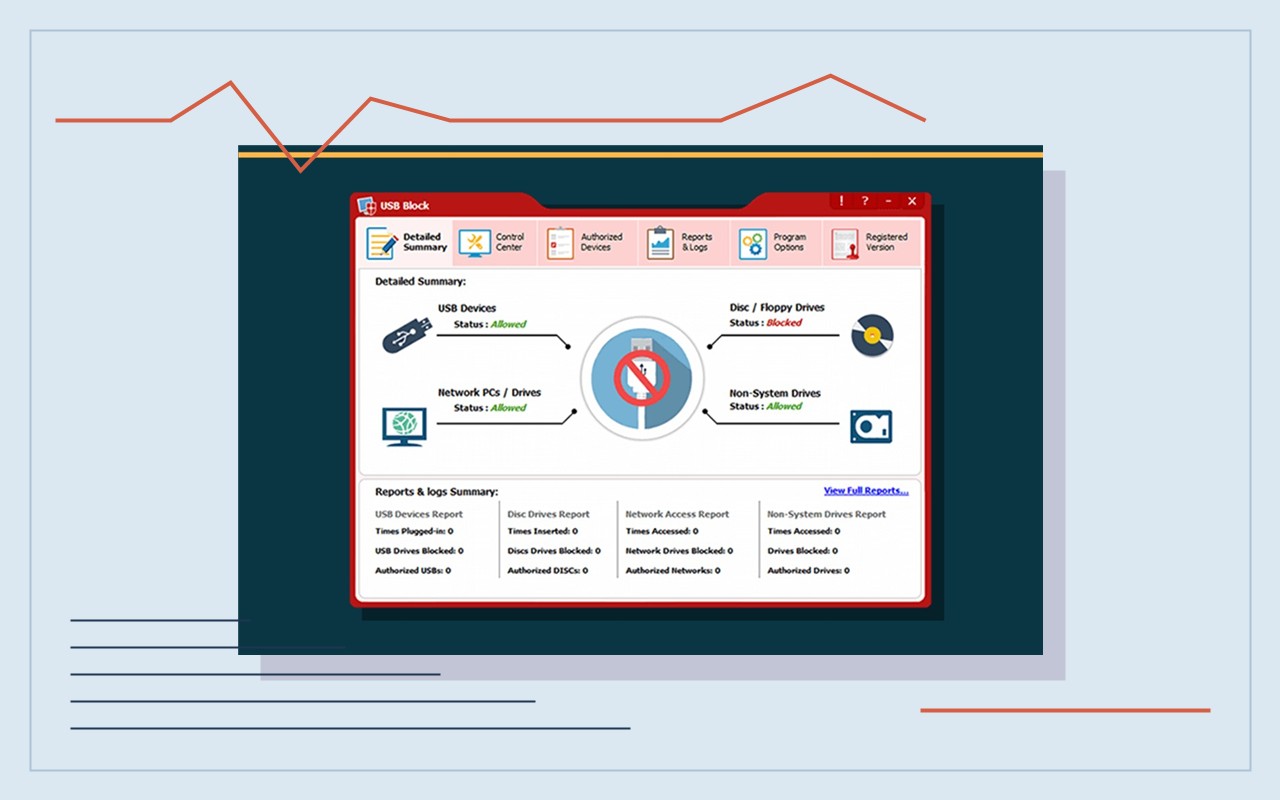
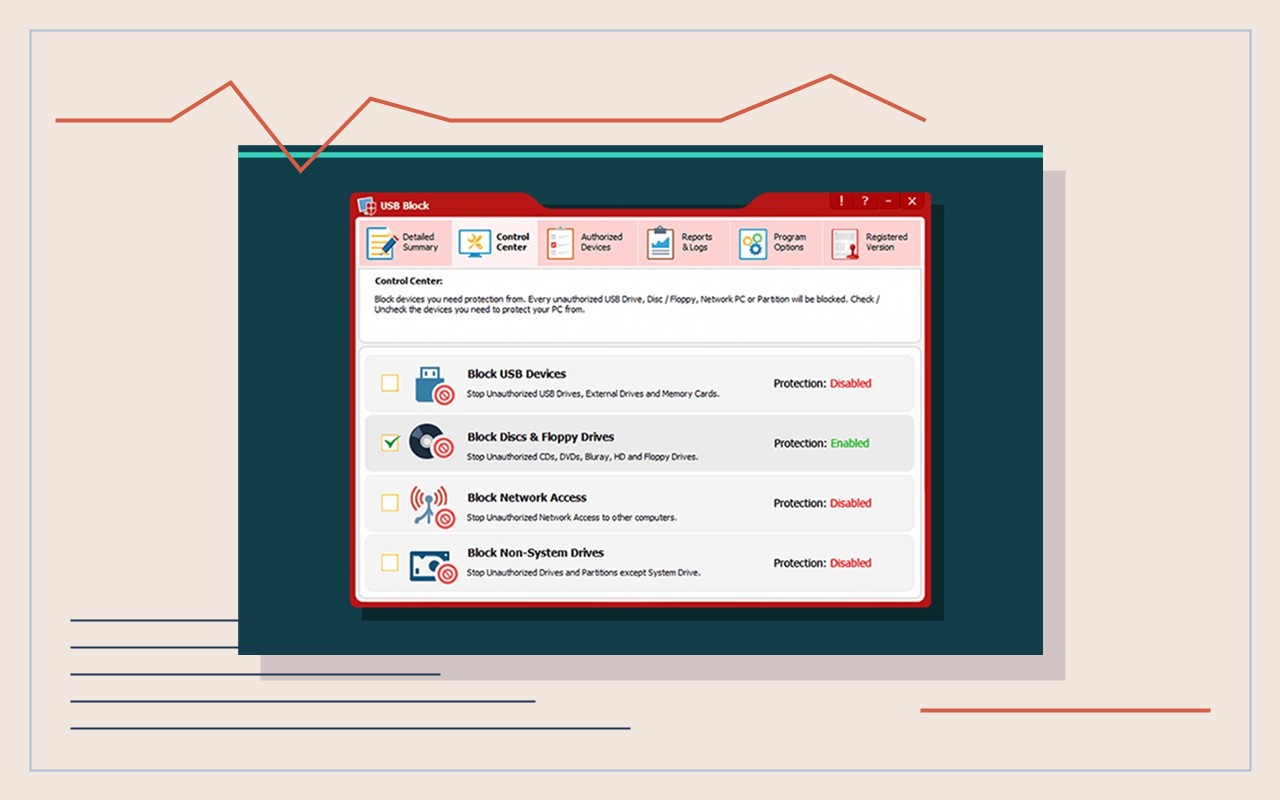
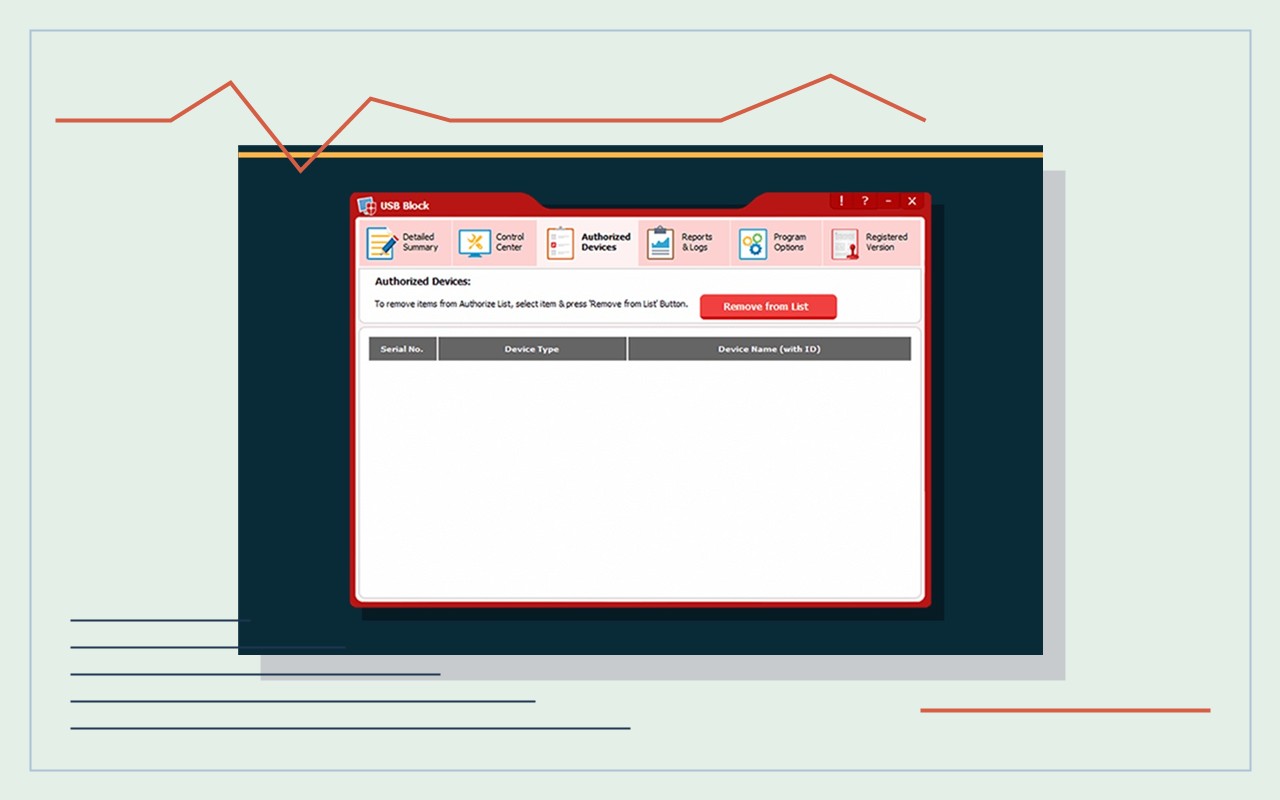
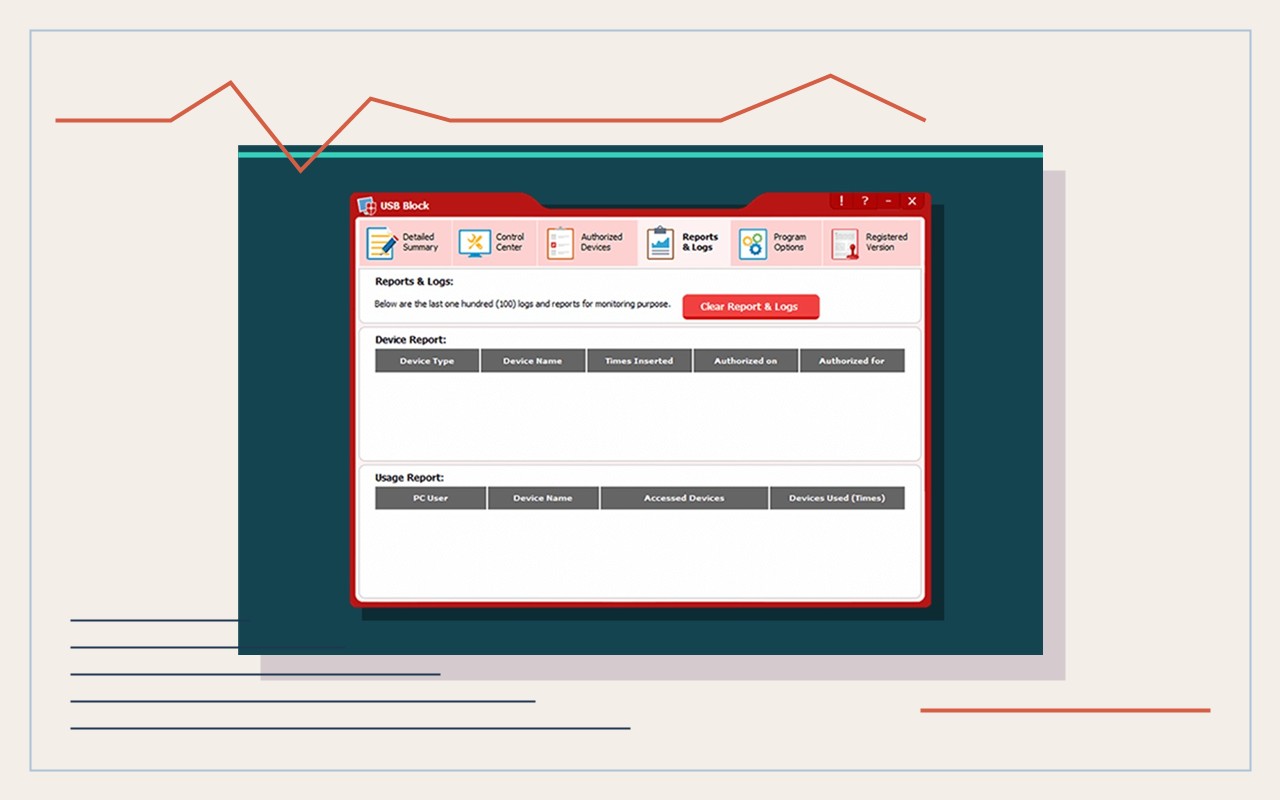
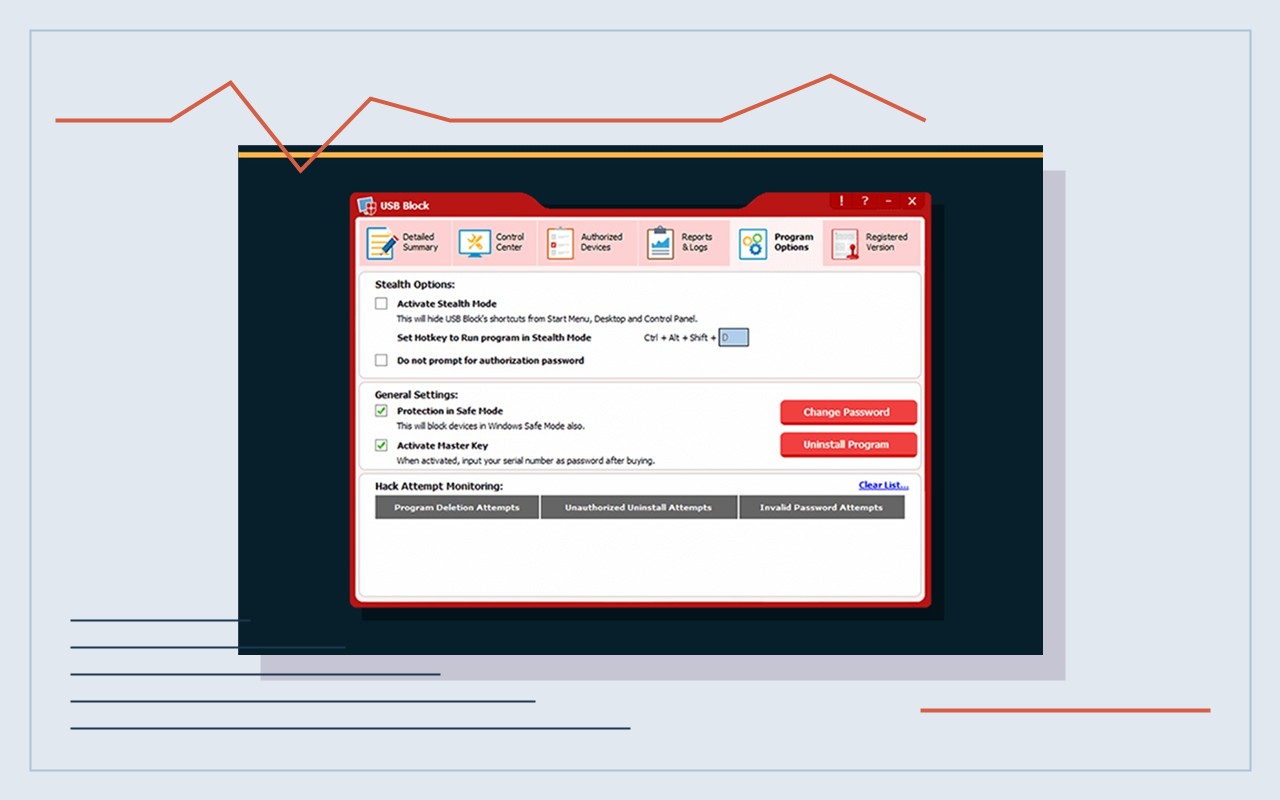
Keep surrounding controls separate
The product does not encrypt USB media, inspect malware, validate customer documents, manage enterprise identities or guarantee total data-loss prevention. It cannot control a device on unsupported systems or remove file copies created after access. Treat the Windows account, removable-device policy, malware-screening process, print-job files and incident record as separate control layers. A device that appears in an approved list can still contain unsafe, corrupt or unauthorized files. A blocked device event does not prove malicious intent, and a successful connection does not prove that the customer authorized every file. Keep staff permissions narrow, use the designated intake workstation and prevent ordinary operators from changing control settings without approval. Before rollout, document which keyboards, printers, card readers, calibration tools and storage devices must continue working. Test the rule with fictional media, preserve a local administrator recovery path and record how to reverse the change if a required device stops. After each exception, remove the temporary authorization, review copied files under the shop retention rule and confirm that the production workstation still enforces the intended policy. Recheck behavior after Windows, driver, hardware or USB Block updates because previous results are not permanent evidence of compatibility. If the shop needs centrally managed identity, cross-platform enforcement, content-aware DLP or device-health attestation, assess enterprise controls instead of extending a local utility beyond its documented role. Never promise malware prevention, encryption, secure deletion or complete exfiltration control from a device-authorization screen alone.
Product questions
Should USB Block replace endpoint protection or MDM?
No. Use it only for a tested, bounded removable-device authorization role on supported Windows PCs.
Does an administrator password make every connected device safe?
No. Administrator access controls configuration; it does not inspect device firmware or customer files.
Primary references
- NewSoftwares: USB Block features
- NewSoftwares: USB Block
- Microsoft Learn: Manage device installation with Group Policy
Supplied visuals may depict legacy releases. References support specific boundaries and do not imply endorsement.