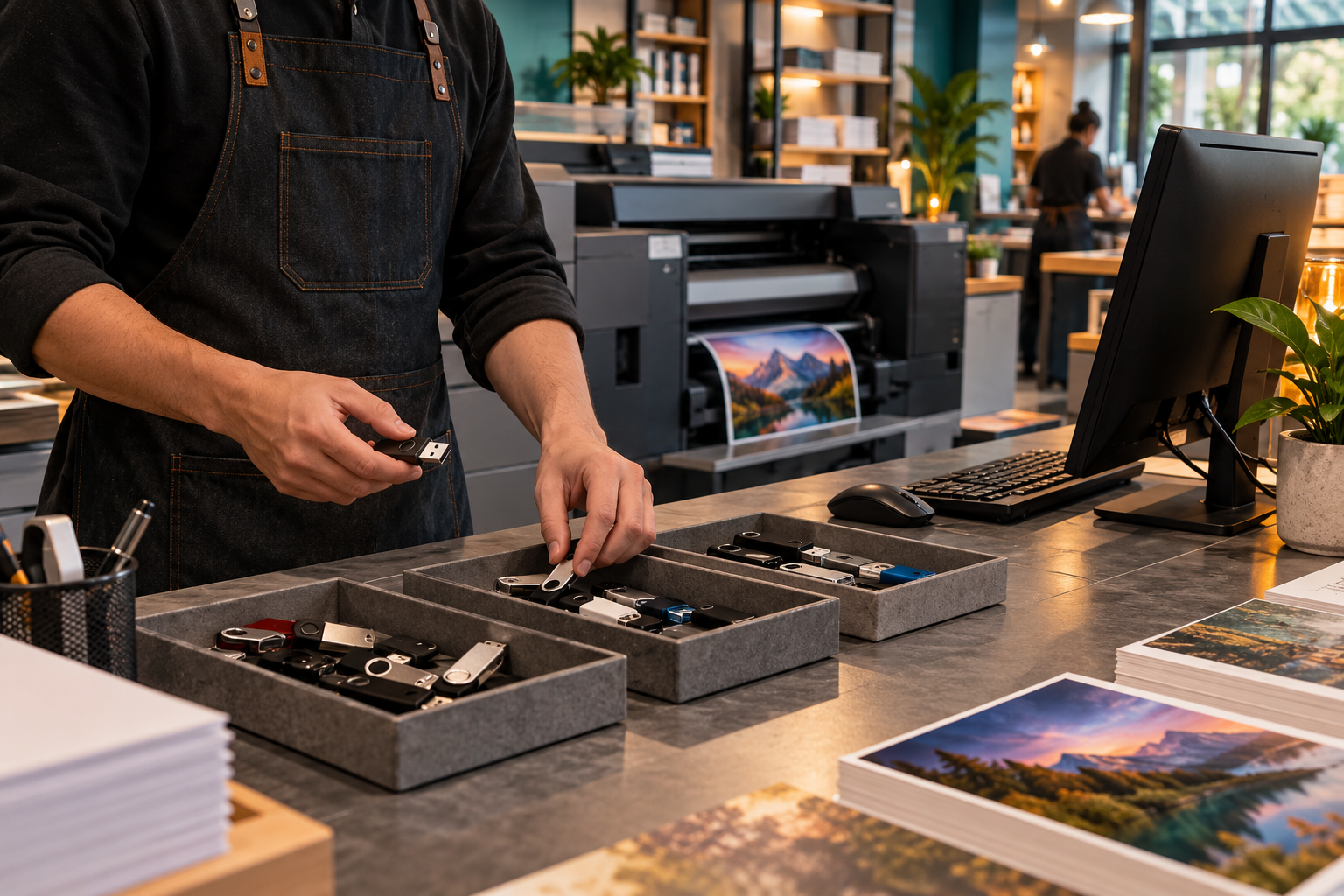
MAP / TEST / AUTHORIZE
PRINT INTAKE / CONTROLLED USB ACCESS
Control USB Devices on Print Shop PCs
Control USB devices on print-shop intake PCs with scoped policies, known-device exceptions, safe tests and documented rollback—without confusing device authorization with encryption, malware inspection or total data-loss prevention.
SEVEN USB-CONTROL ROUTES
Move from device inventory to controlled exception and rollback.
Each route addresses one print-intake control decision with a unique photograph, procedure and explicit technical boundary.
01Device MapMap USB Devices on Print Shop PCs02Policy ChoiceChoose Windows USB Restrictions03Approved USBAuthorize Customer USB Drives Safely04Safe TestingTest USB Blocking Without Disruption05Staff AccessControl Temporary USB Exceptions06Blocked EventsReview Blocked USB Device Events07Restore AccessRestore Required USB Device Access08Our RecommendationUSB Block for Print Shop Intake PCs
INTERACTIVE RELEASE CHECK
Is this USB exception ready for print-shop use?
Confirm approval, device identity, malware screening, time limit, workstation scope and rollback before allowing removable media.